
Google Play Store
Google Play Store is Google's digital distribution platform for Android, used to find, install and update apps, games and books.
101.1 MB
10.36.61.982514042.1 · Google Inc · Page updated
Google Translate for Android is Google's free app for translating text between many languages on your phone.
Average 0.0 · ratings: 0
Thank you! Your rating is saved; you can change it. Could not save the rating. Please try again later. Too many ratings from your network today. Please try again tomorrow. The average appears after 5 ratings.
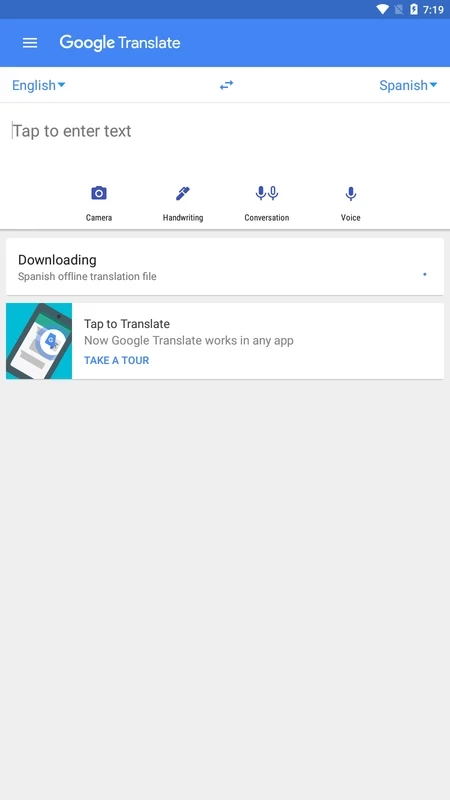
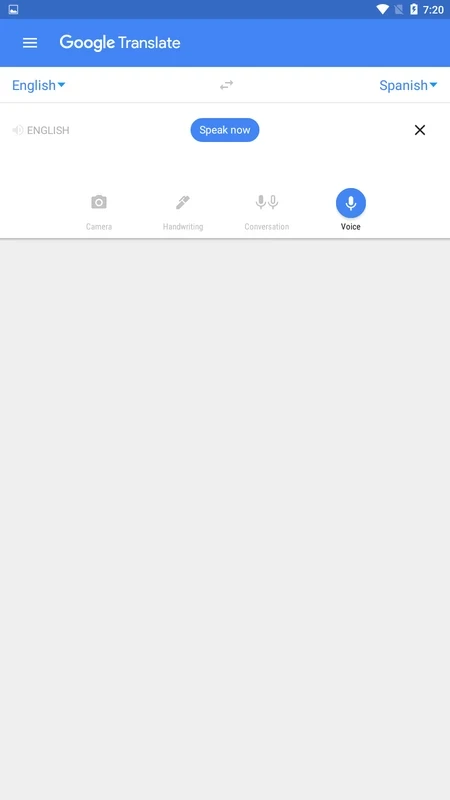
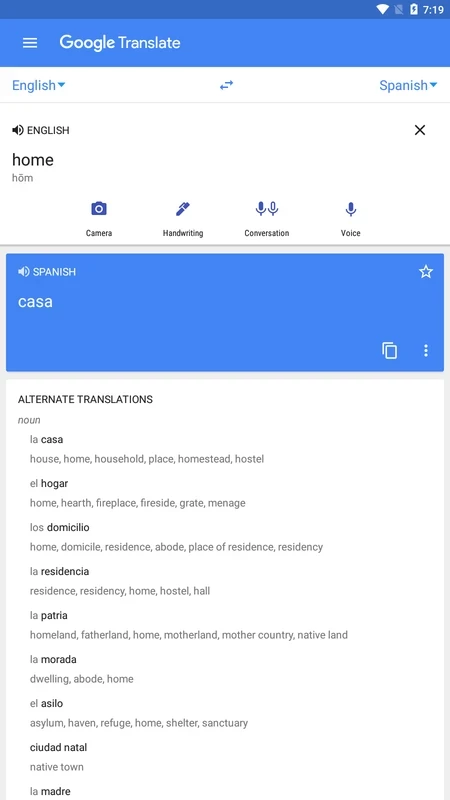
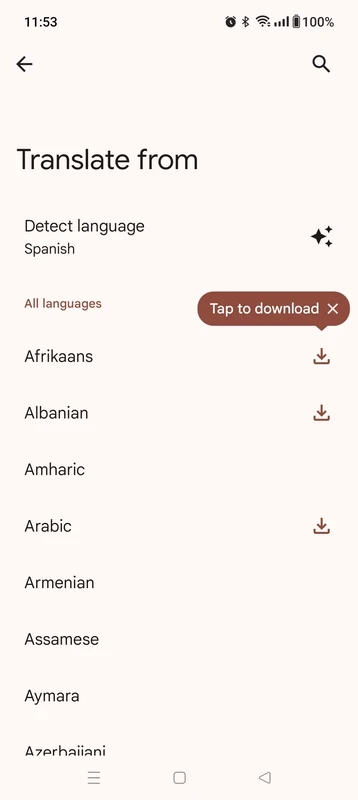
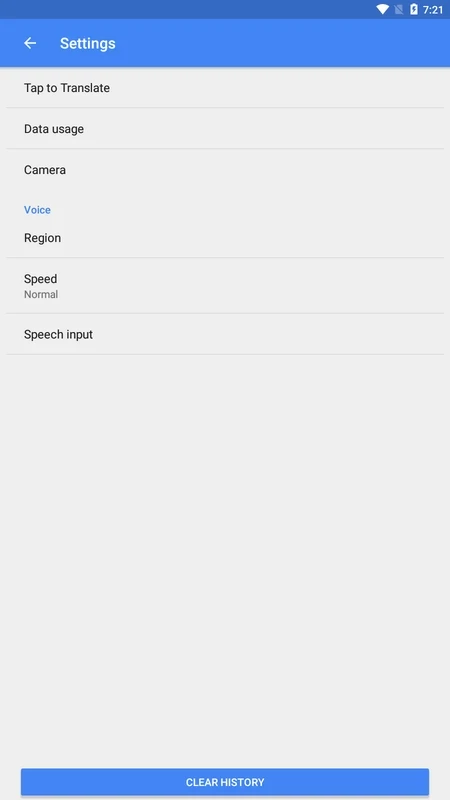
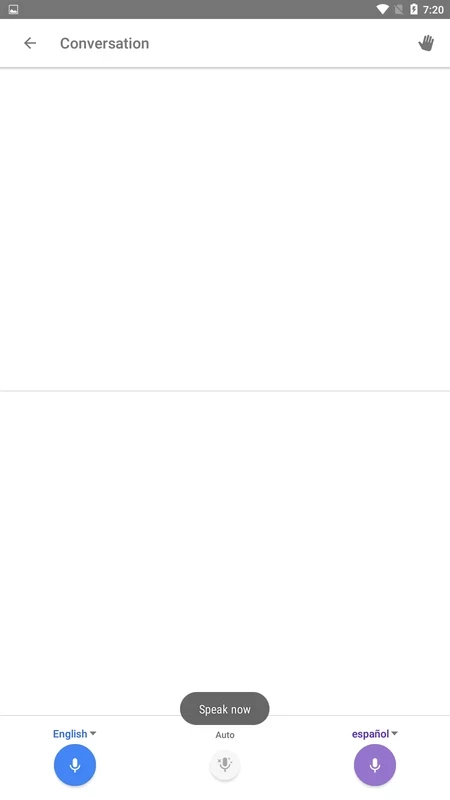
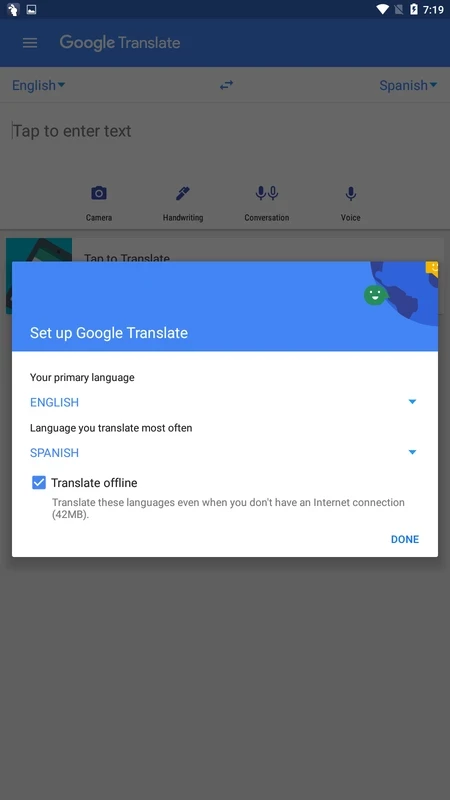
Google Translate 10.36.61.982514042.1 is the Android app of Google Translate, Google's multilingual neural machine translation service. You can download Google Translate for Android free of charge from Google Play and use it to understand and write text in other languages right on your phone.
| Item | Details |
|---|---|
| Version | 10.36.61.982514042.1 |
| Developer | |
| Service online since | April 28, 2006 |
| Type | Machine translation software |
| Interface | Multiple languages |
| Price | Free |
| Size | about 51.37 MB according to catalogue data |
On a phone, translation is most useful at the moment you need it: reading a menu or a sign abroad, answering a message from a foreign customer, checking the meaning of a word in a textbook or helping a relative fill in a form in another language. The app puts Google's translation service in your pocket, so you do not need to open a browser and find the website each time. Because it is based on neural machine translation, it works with whole sentences and usually produces readable results for everyday texts. Travellers, students, people who moved to another country and anyone who deals with foreign-language messages at work are the main audience. For legal, medical or official documents, however, a professional translator is still necessary: the app gives you the meaning, not a certified translation.
More information is on the official site translate.google.com.
Text you translate is processed by Google. Avoid entering passwords, contract details or health information. Grant the microphone and camera permissions only if you want to use such input, and review them later in Android settings. Install the app only from Google Play; clones with similar names often exist to show ads or collect data.
Use short, complete sentences, avoid slang and check names, dates and numbers in the result. When you write to someone, translate your reply back into your own language to catch misunderstandings before sending.
Prepare before you travel: install the app, try it on a few phrases you are likely to need, such as directions, allergies or hotel questions, and keep the results as screenshots in case the connection drops. When you show a translation to someone, keep sentences short so that the other person can answer simply. Respect local customs and use the app as a bridge, not a replacement for a polite greeting in the local language.
Our listings include Spanish - English Translator for a single language pair and Gboard, Google's keyboard, for typing in several languages.
Google Play Store is Google's digital distribution platform for Android, used to find, install and update apps, games and books.

APKPure is a third-party app marketplace for Android that installs apps from APK files outside Google Play. This page covers version 3.20.7803.

Aptoide is an open-source alternative app store for Android, running since 2009. This page covers version 9.22.5.3.

QuickShortcutMaker is a small Android tool for creating home screen shortcuts to specific screens of installed apps, including hidden settings.